Translate a PDF
Change language without losing the layout
Where it runs: On the server.
Settings
Free demo: only the first 2 pages are translated. No account, no payment.
Translation calls a language model: allow about 20 seconds to get started, then 6 seconds per page.
Drop a file to begin.
The file is sent over an encrypted connection to our server, in Germany. The text of its pages goes to OpenAI (Ireland, United States), which keeps it for up to 30 days to detect abuse and does not use it to train its models. Our copy is deleted as soon as you have collected the result, and after two hours at most. If a document must not leave Europe, do not translate it here.
An example
A disaster preparedness guide published by FEMA: six pages, translated from English into French in 52 seconds. The banner, icons, section bands and page numbering are the document's own: nothing was redrawn.
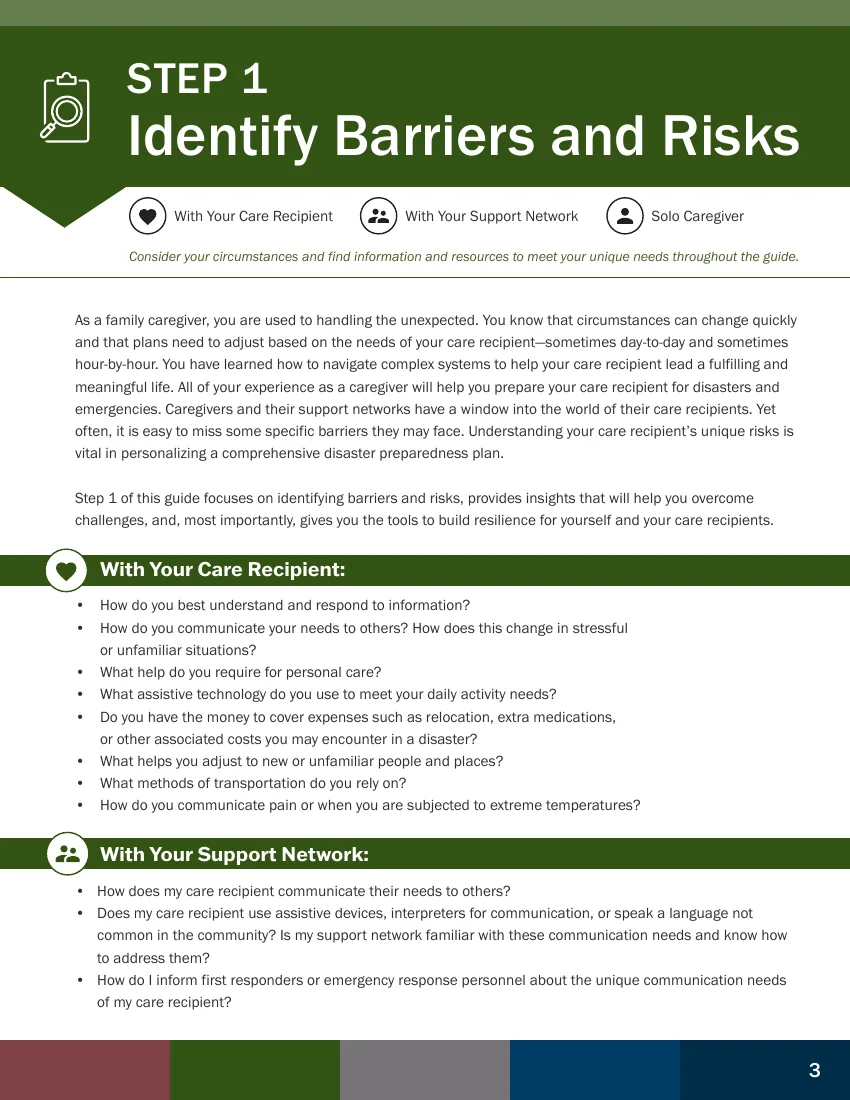
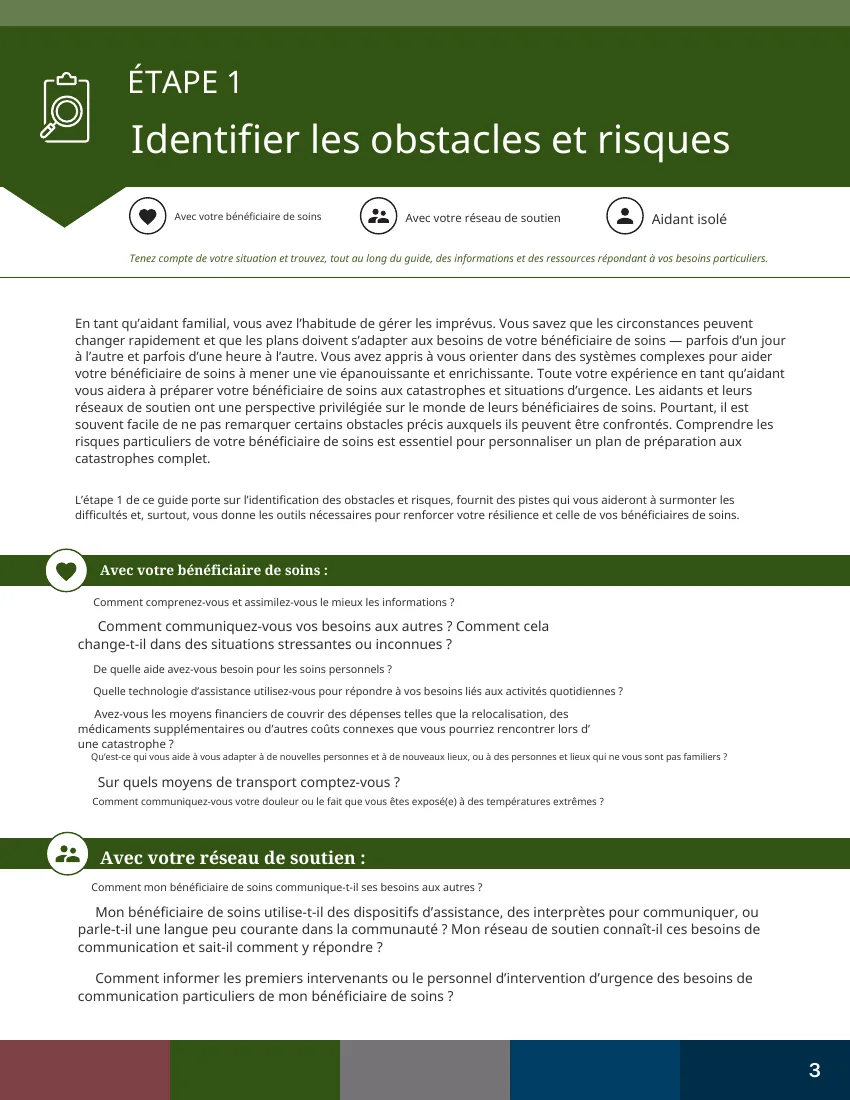
The source document is “Take Control in 1-2-3: Disaster Preparedness Guide for Caregivers”, from FEMA and the Rosalynn Carter Institute for Caregivers, in the public domain. The translation was produced by this tool as an example; it does not come from those organisations and has not been reviewed by them.
What this tool does
The page structure is analysed before translating: columns, tables, figures, captions and mathematical formulas stay in place. You get the translated version on its own, or a bilingual one page against page.
In the same family
Where the file goes
How to do it
- 01Drop in the PDF.
- 02Choose the target language from the thirteen on offer.
- 03Run it and download the translated or bilingual version.
Frequently asked questions
- Is the layout genuinely preserved?
- Yes. The page structure is recognised before translation: columns, tables, figures, captions and mathematical formulas stay in place. That is what separates this from pasting text into an online translator.
- Can I get the original and the translation side by side?
- Yes, a bilingual page-against-page version is produced alongside the translation on its own. That is the format for proofreading, or for sending a document to someone who reads both languages.
- Where does my document go, and for how long?
- This is the one tool where every page calls a language model: the text is sent encrypted to our server, which passes it to OpenAI for translation, and the file is erased after two hours. If a document must not leave Europe, do not translate it here. That is written on the privacy page too.